Tools I built

Each one started with a slow or painful process I saw up close. Built with AI-assisted development, shipped fast, used daily.

Internal tool · Floor plans

Floor Plan Editor

4 h→5 min
per floor-plan editing job

A browser-based editor for the platform’s proprietary floor-plan files. Teams used to go back to AutoCAD and rebuild files for every change; now they open the file, edit and export.

  • Visual polygon and floor management, unit merge and ID renumbering
  • Handles the file format’s encoding quirks, including Hebrew labels
  • Presented to users and management; iterating on their feature requests
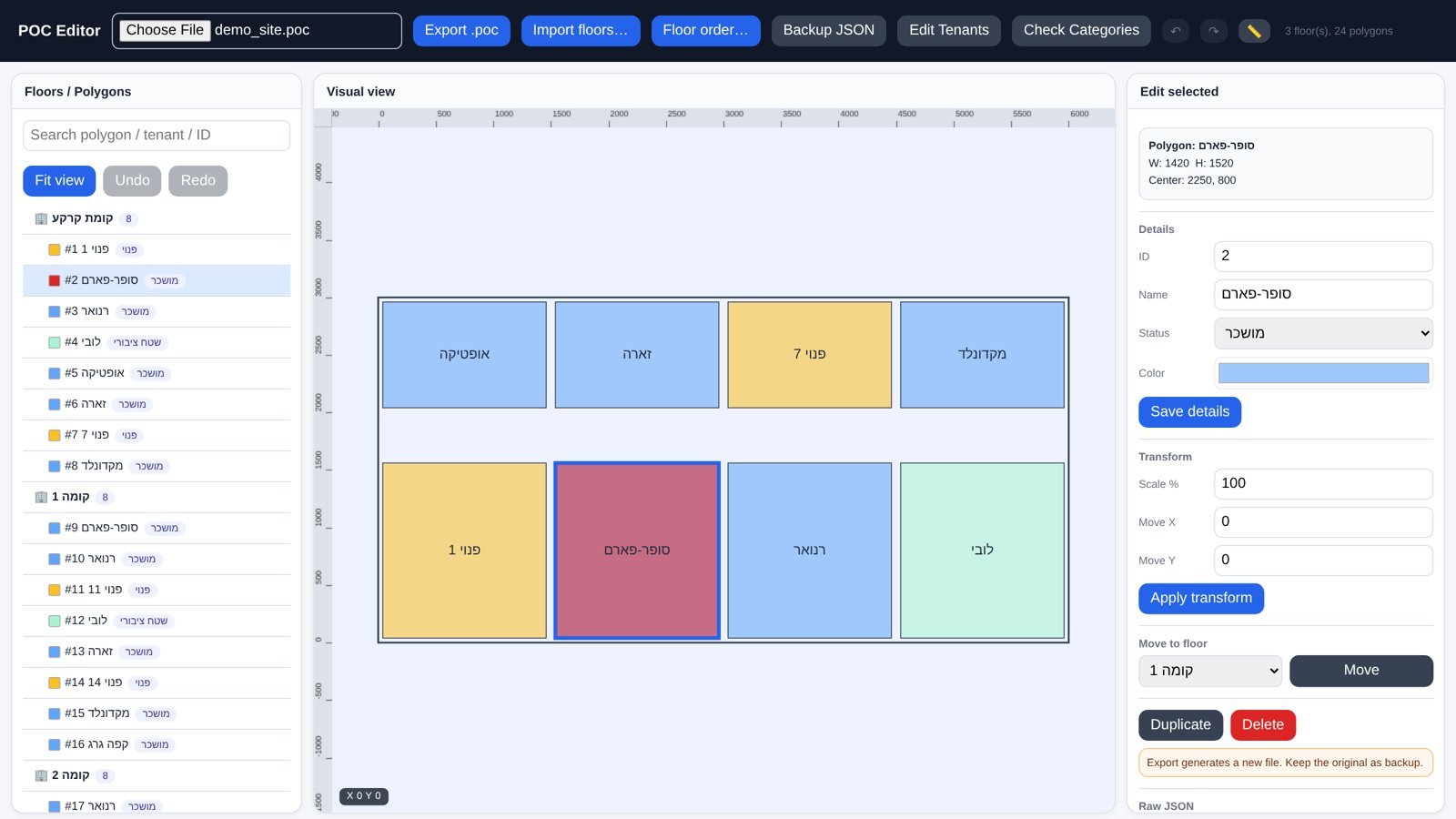
Floor Plan Editor — real screen with a demo site
Internal tool · Diagnostics

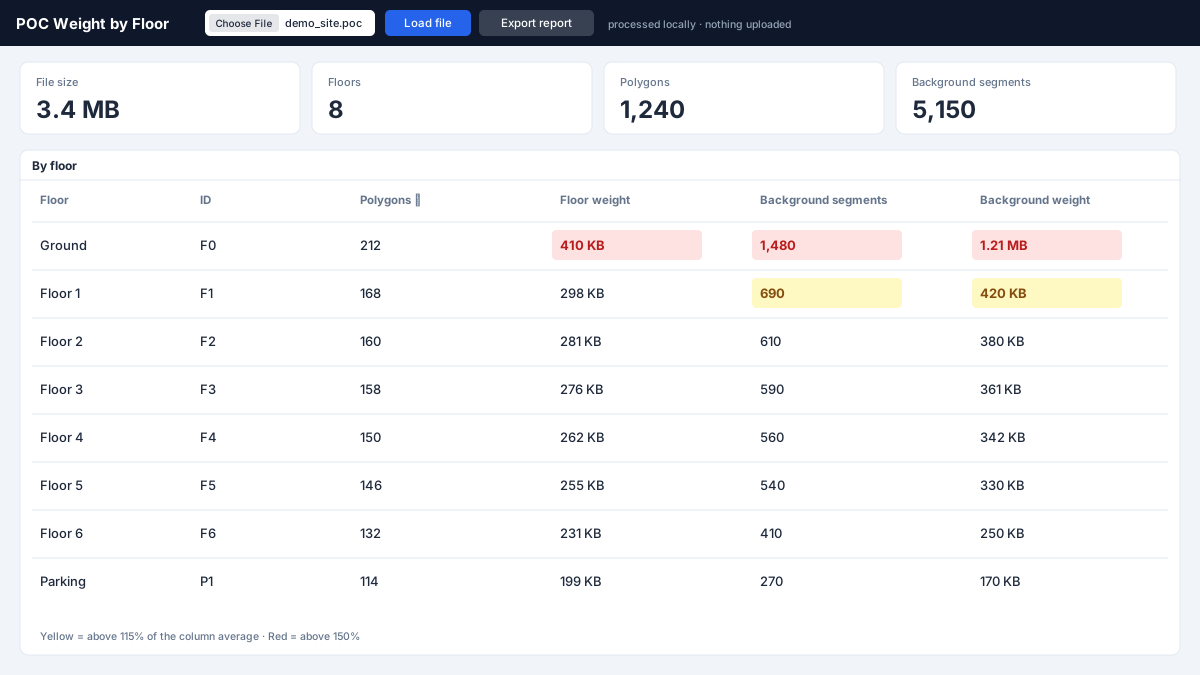
Weight by Floor

~5 h→5 min
to find what’s wrong in a drawing

Some files were slow and heavy and there was no way to know why — finding it meant hours of manual digging through the drawing. This tool breaks the file down floor by floor and shows what makes it heavy and what’s wrong in the drawing.

  • Per-floor weight breakdown that points straight at the problem
  • Turns an unknown into a 5-minute check
  • Tells the team where to focus before the file reaches a client
Weight by Floor — illustration
Internal tool · CAD

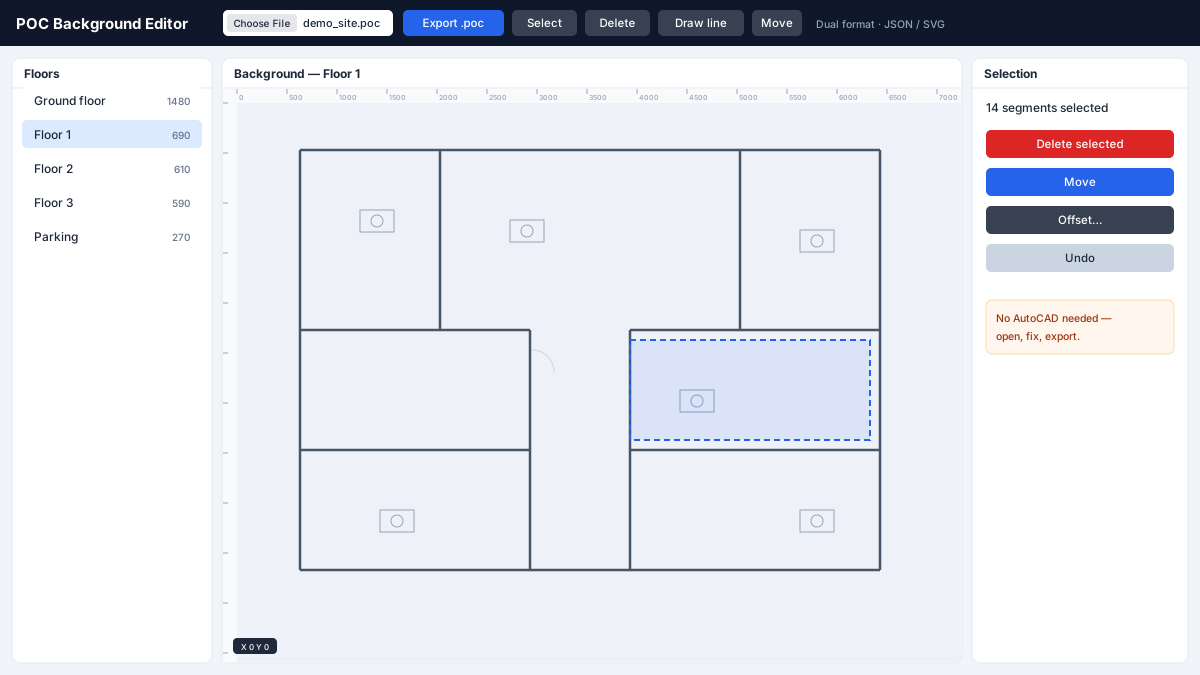
Background Editor

30 min→4 min
per background fix

Small changes to a plan’s background used to mean a full round-trip through AutoCAD. The Background Editor lets you open the file, fix the details and export — no CAD license needed.

  • Select, delete, move and draw directly on the background
  • No AutoCAD round-trip for minor fixes
  • Usable by non-CAD team members
Background Editor — illustration
Pipeline · CAD → SaaS

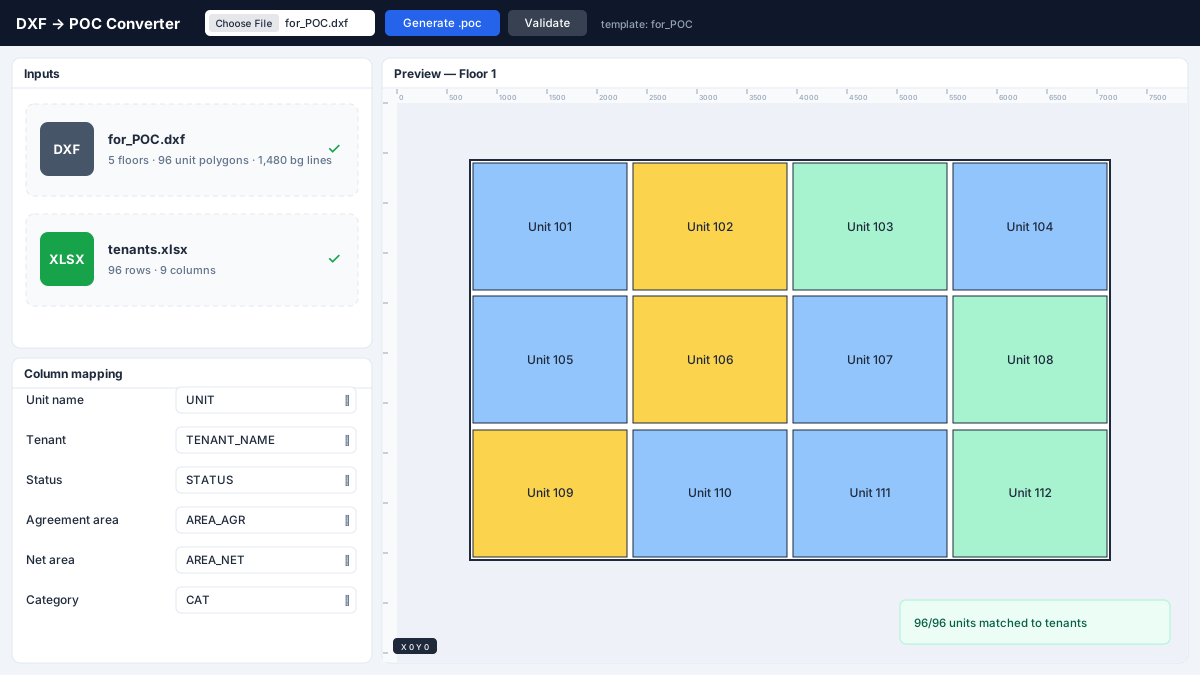
DXF + Excel → Platform Converter

Connects the CAD world with the SaaS platform: parses an AutoCAD template (unit polygons, floor boundary, background, attribute blocks), merges in the tenant spreadsheet and generates a platform-ready file.

  • Reads geometry and block attributes straight from DXF
  • Merges tenant data from Excel automatically
  • Outputs the full file, background included
DXF + Excel → Platform Converter — illustration
Side project · AI

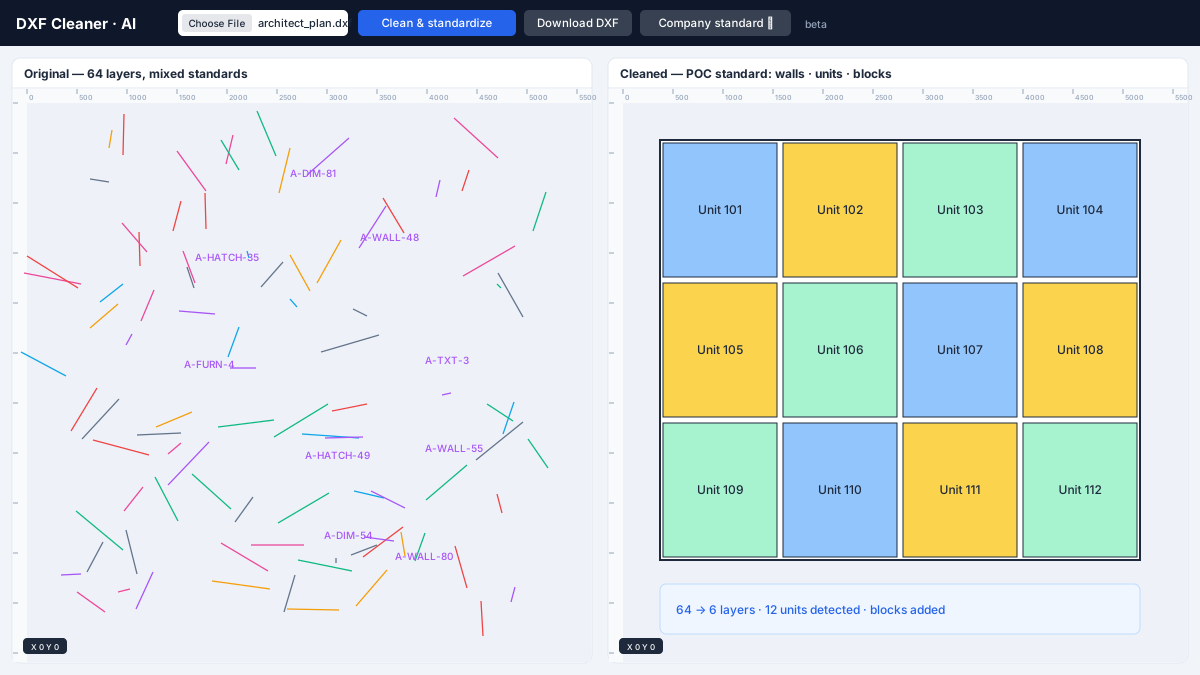
AI DXF CleanerIn development

Every client’s plans come from a different architect, with different layers and standards — today they’re cleaned up by hand by freelancers. I’m building an AI-powered tool that cleans any DXF and standardizes it to a company’s own rules, then adds the blocks and polygons the platform needs.

  • Input: any architect’s drawing; output: a clean, standardized plan
  • Started as a working prototype, now becoming a standalone web app
  • Aimed first at real-estate and architectural plans
AI DXF Cleaner — illustration
Internal tool · Data quality

Site Health Check

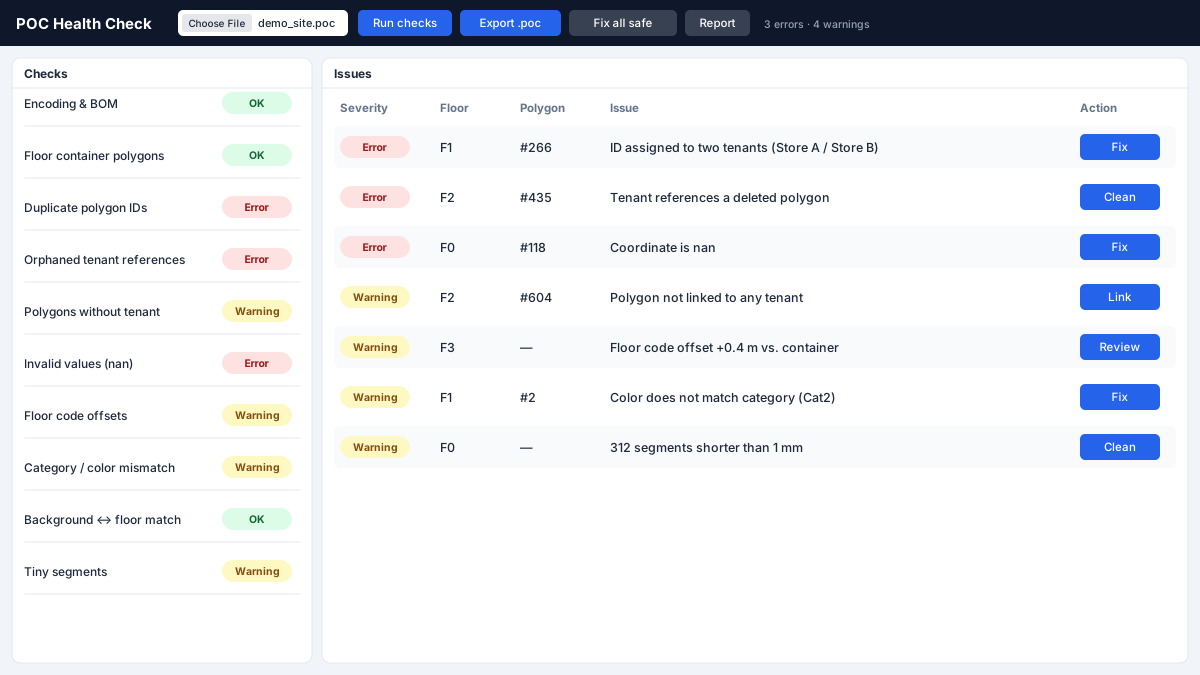
A diagnostics view the team calls “the data checker”: it scans a site’s files and flags anomalies before they turn into client issues.

  • Sortable, color-coded report per floor
  • Catches invalid values, orphaned polygons, floor offsets and missing categories
  • Makes data quality visible instead of discovered by clients
Site Health Check — illustration
Internal tool · Marketing

Marketing Plan Editor

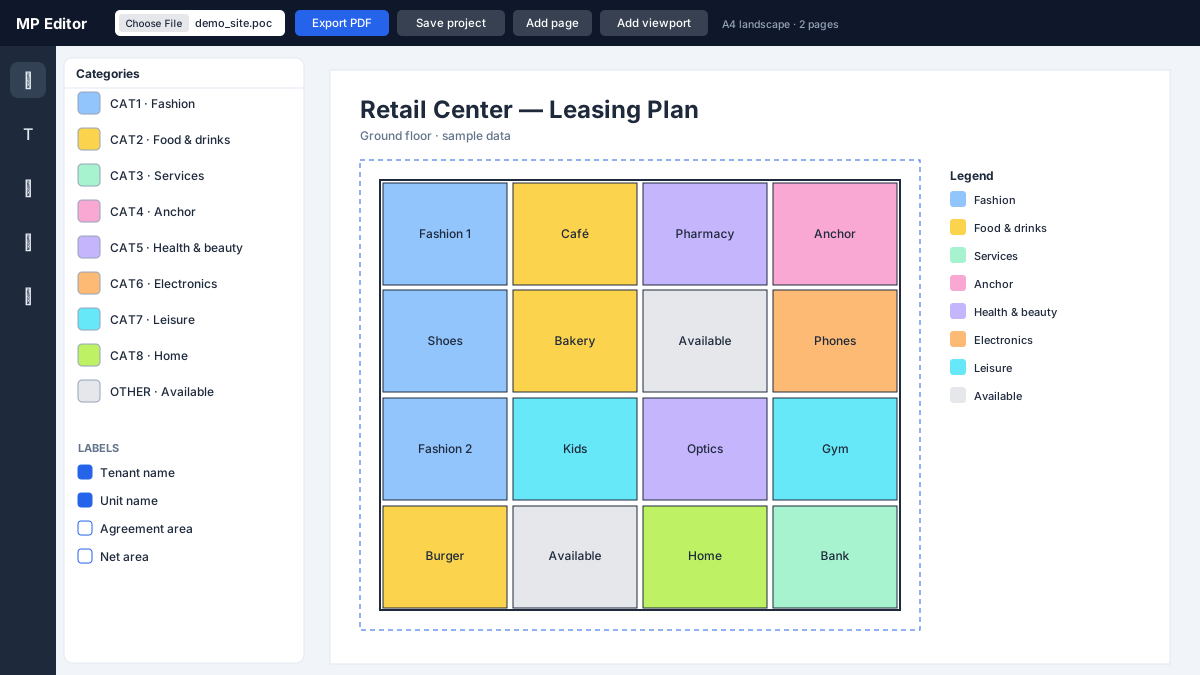
Generates marketing layout PDFs for retail sites: color units by status or category, place tenant logos, and export a print-ready plan in minutes.

  • Status and category coloring with automatic legend
  • Tenant logos placed on units
  • Print-ready PDF export
Marketing Plan Editor — illustration
Everyday toolkit

Small tools, big time savings

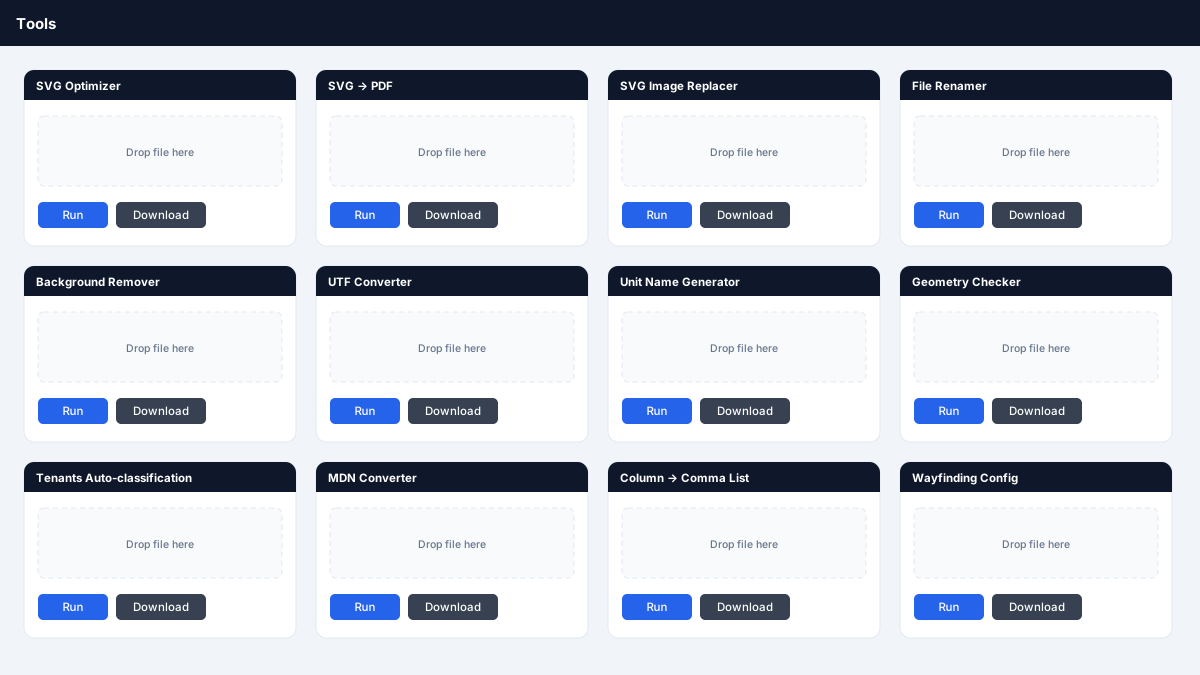
Not every win needs a big product. A set of single-purpose browser tools that remove friction from daily work.

  • SVG optimizer, SVG → PDF and SVG image replacer
  • File renamer, format converters and background remover
  • Unit name generator, geometry checker and tenant auto-classification
Small tools, big time savings — illustration

Floor Plan Editor shows the real tool with a demo site. Other screens are recreations of the real tools with sample data — no client or company data is shown.

How I work

From noticing the problem to a tool the team relies on

01Sit with the painWatch the real workflow and measure how long it takes today.
02Prototype fastWorking browser tool in days, built with AI-assisted development.
03Put it in handsShip to the people doing the work, collect feedback, iterate.
04MeasureCompare before and after — hours to minutes, or unknown to visible.

Platform product & UX work

Hybrid product and UX work on an existing layout-based B2B SaaS platform used to manage offices and commercial assets.

Layout-based space management — stylized preview

Layout-based space management

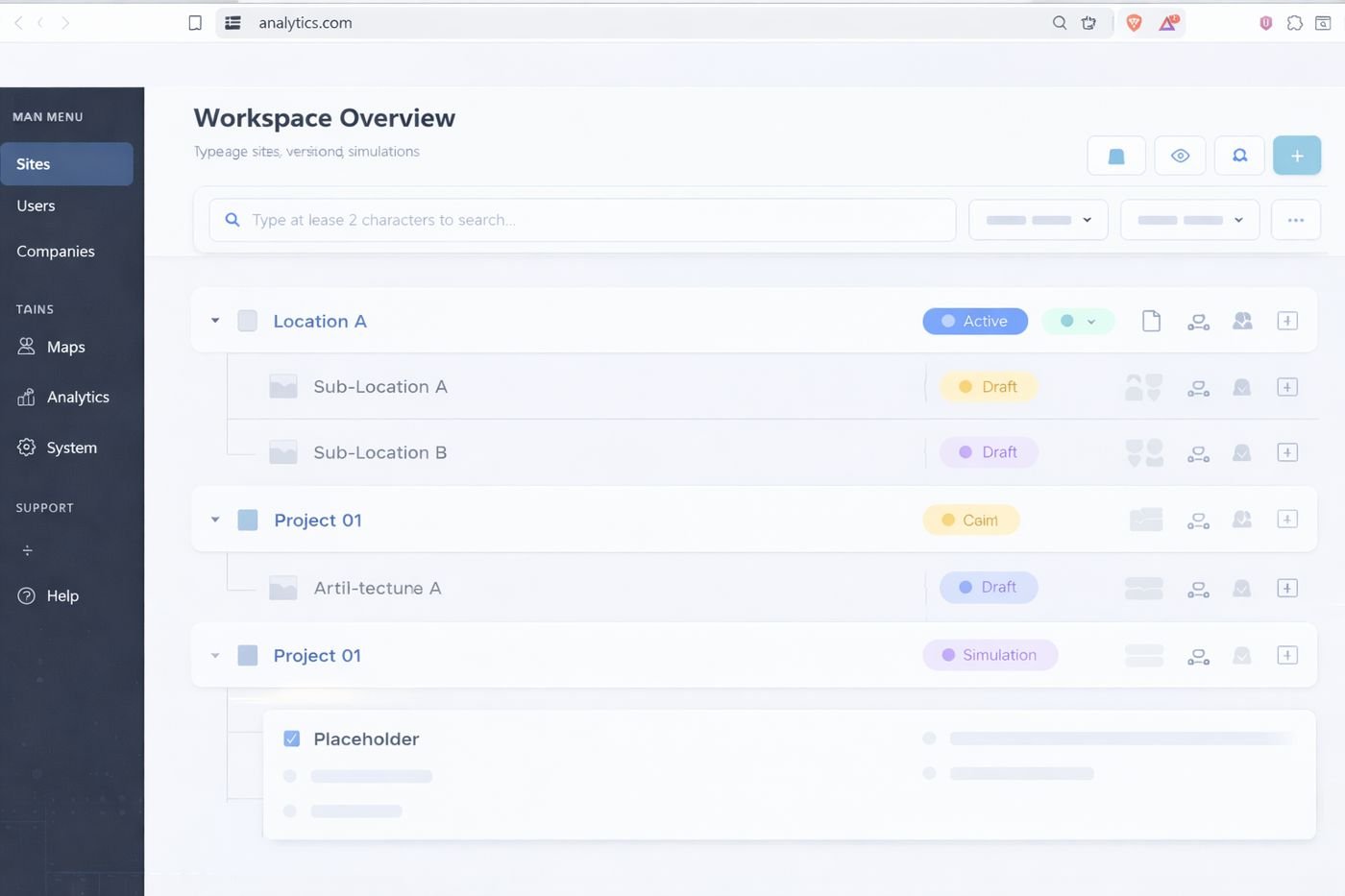
Tenant and area management workflows, layout interaction, simulation and versioning usability.

Analytics & management dashboards — stylized preview

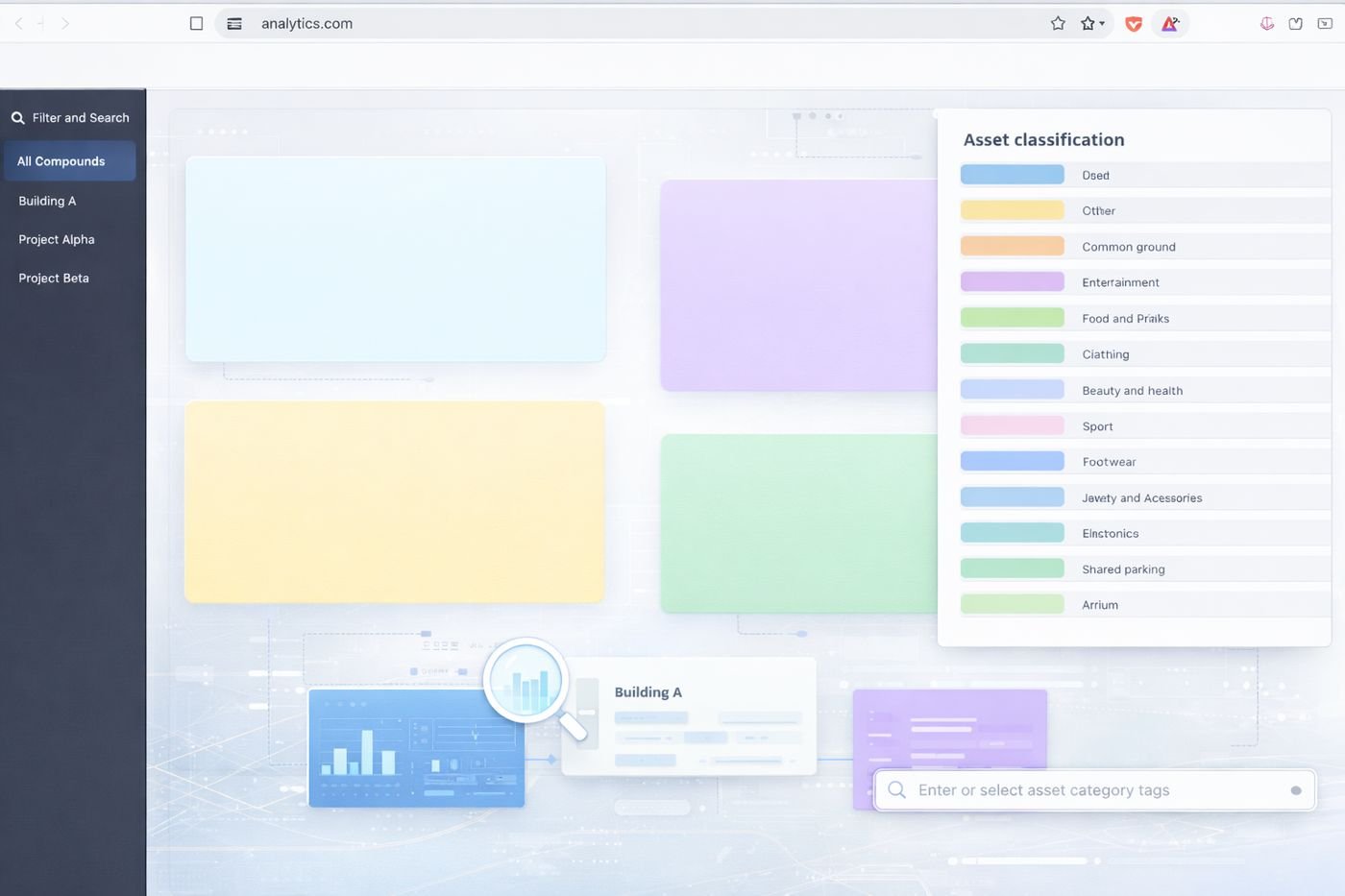
Analytics & management dashboards

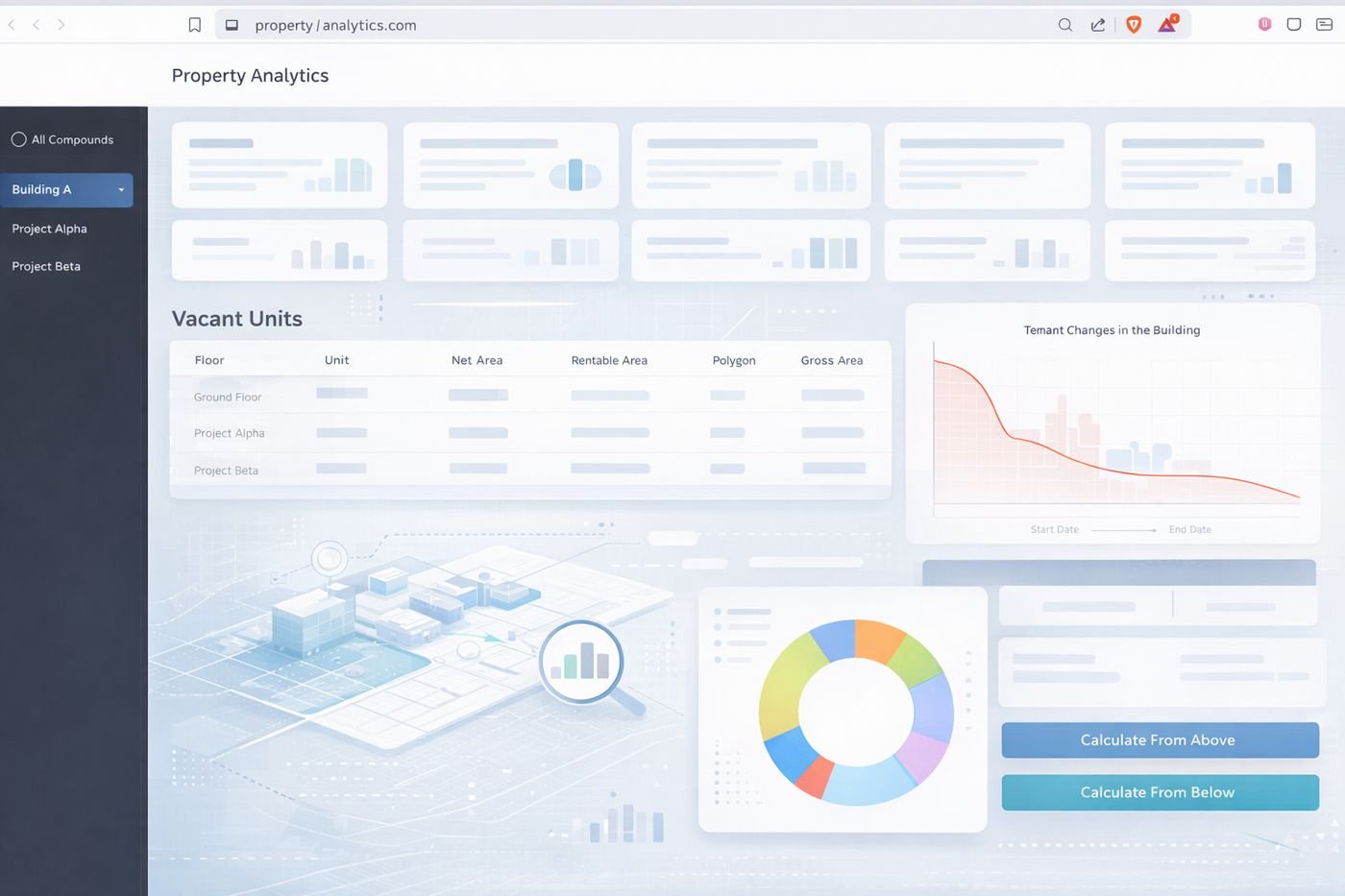
Occupancy, vacancy and area-distribution views with clearer KPI hierarchy.

Admin & operations workflows — stylized preview

Admin & operations workflows

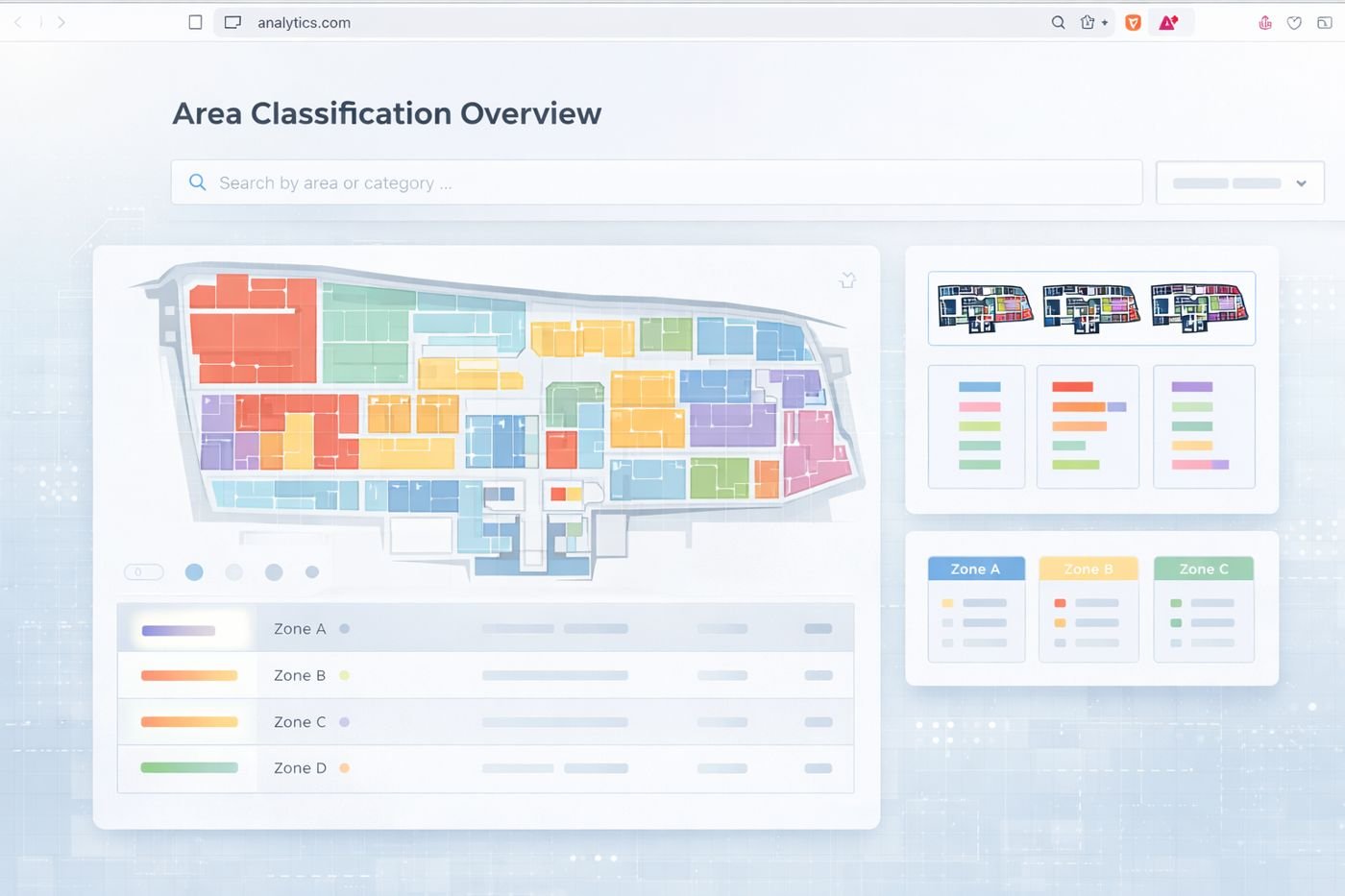
Simplified dense legacy admin screens used daily by operations and customer-facing teams.

Discovery, PRDs & UX iteration — stylized preview

Discovery, PRDs & UX iteration

Flows and edge cases explored in Figma before implementation; PRDs and reusable UI patterns.

Want to see a tool in action?

Happy to walk you through any of these live and talk about the problems behind them.

Connect on LinkedIn